
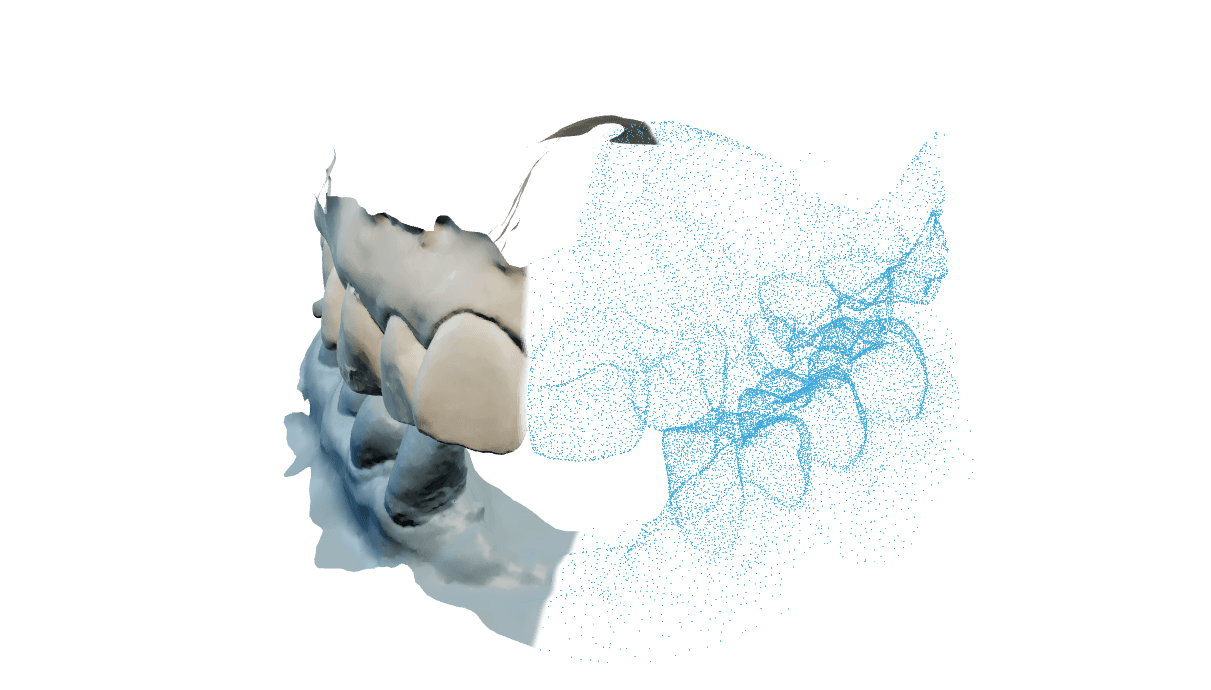
Separar uma arcada em dentes identificados
A segmentação separa cada arcada em dentes individuais identificados com os números dentais FDI (a notação de dois dígitos em que o primeiro indica o quadrante, então um incisivo central superior direito é 11), mais a gengiva. Você recebe uma superfície aberta por dente e um sólido fechado por dente, então a etapa de CAD seguinte pode usar o que precisar.
As duas arcadas são obrigatórias antes de iniciar. O pedido existe antes de a transferência começar, então um envio interrompido deixa um caso que você pode reabrir e completar.
Inspecione o resultado antes de usá-lo. O visualizador mostra as máscaras de dentes sobre o escaneamento, e essa conferência visual é a etapa de revisão; não existe ferramenta para reidentificar.
Executar um caso de segmentação
Crie o pedido
Escolha Scan segmentation e dê ao caso uma referência de laboratório. Criar o pedido não inicia processamento e não consome crédito.
Anexe as duas arcadas
Adicione a superior e a inferior. O painel de entradas informa quando o par está pronto, e você pode substituir um arquivo em um campo até a execução começar.
Execute e inspecione as máscaras
Executar consome 1 crédito e acontece nos nossos servidores. Ao terminar, ligue as máscaras de dentes no visualizador, confira os dentes que importam e baixe o pacote.
Respostas antes de executar
FDI. Cada arquivo de dente leva o nome do seu número FDI, e o registro informa o sistema de numeração explicitamente, para o próximo programa não precisar adivinhar.
Uma arcada segmentada por maxilar, um arquivo por dente como superfície, um arquivo por dente como sólido fechado, a gengiva, um registro e um relatório de verificação, tudo em um arquivo compactado.
Hoje não. O visualizador mostra as máscaras para você inspecionar a separação, mas não há ferramenta de reidentificação. Se um dente saiu errado, envie o número do caso e o código FDI do dente.
Sim. O pedido fica aberto e a execução continua bloqueada até as duas arcadas estarem anexadas.
Nenhum que seja mostrado. O relatório de verificação registra quanta superfície ficou sem identificação e se falta algum número de dente esperado. Inspecione as máscaras antes de confiar no resultado.
Resolver uma separação que não serve
As máscaras são publicadas assim que existem, enquanto os arquivos por dente e o compactado ainda estão sendo gravados.
Aguarde o status do pacote mudar e baixe. Se continuar pendente, veja o status do sistema e envie o número do caso.
Normalmente contatos apertados, muito ruído de escaneamento ou uma superfície ausente, que não deixam à separação uma linha limpa por onde cortar.
Exporte a arcada sem recorte, com os contatos interproximais escaneados o mais limpos possível, e execute de novo. Se o mesmo dente falhar duas vezes, envie o número do caso e o código FDI do dente.
O processamento foi até o fim, mas não produziu nada utilizável, o que aponta para a entrada e não para as suas configurações.
Verifique se as duas arcadas são escaneamentos completos de dentição permanente e execute de novo. Se repetir, envie o número do caso.