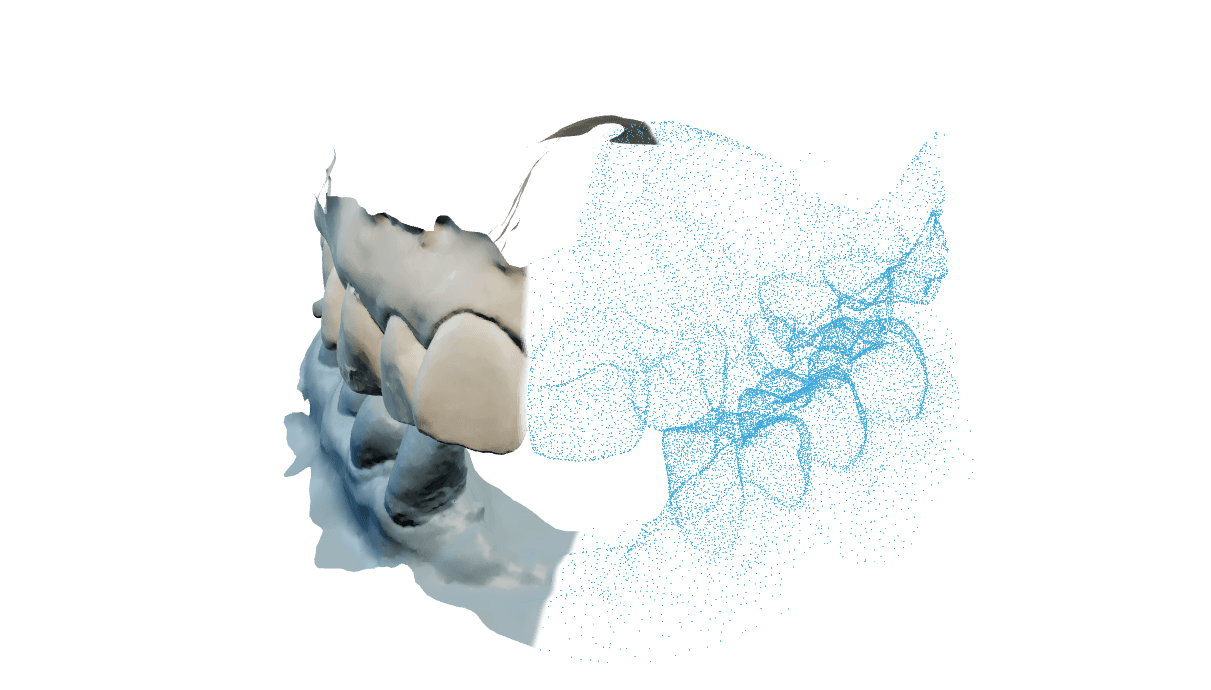
Input
Scansioni superiore e inferiore, aperte dal disco o prese dal progetto exocad aperto.
Loading
Preparing the page.
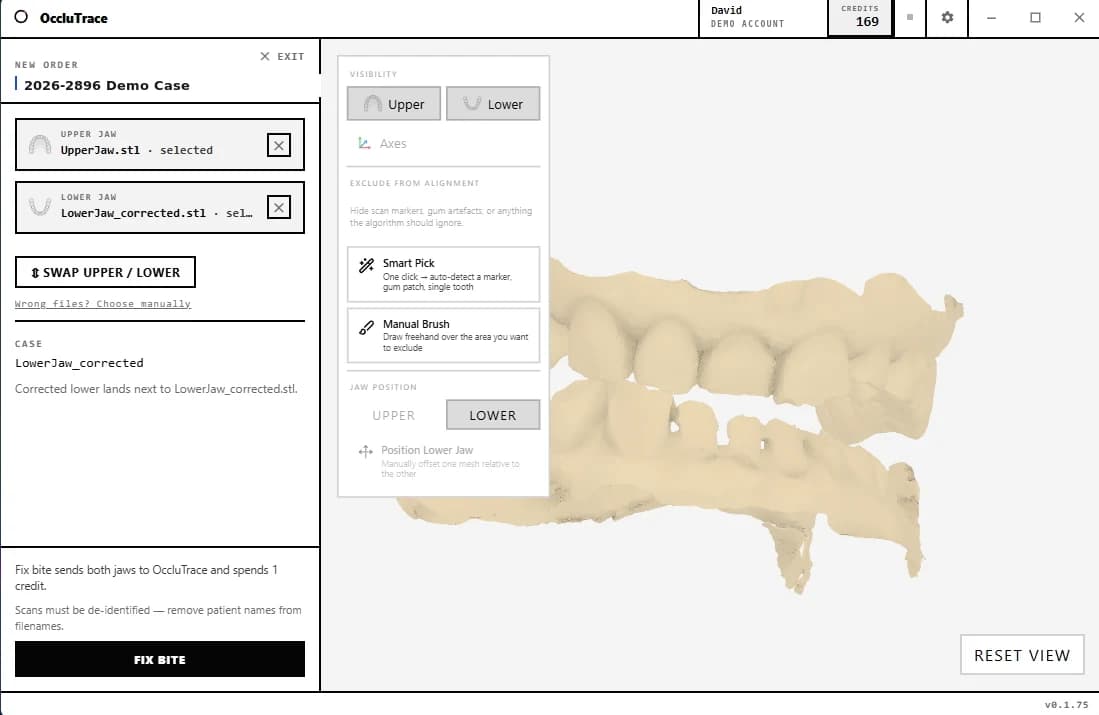
Il Connector è un'app nativa per Windows: scegli le scansioni superiore e inferiore, premi Fix Bite e l'occlusione corretta torna in circa 30 secondi. Escludi i marker di scansione con il pennello e controlla il risultato nel visualizzatore 3D integrato.
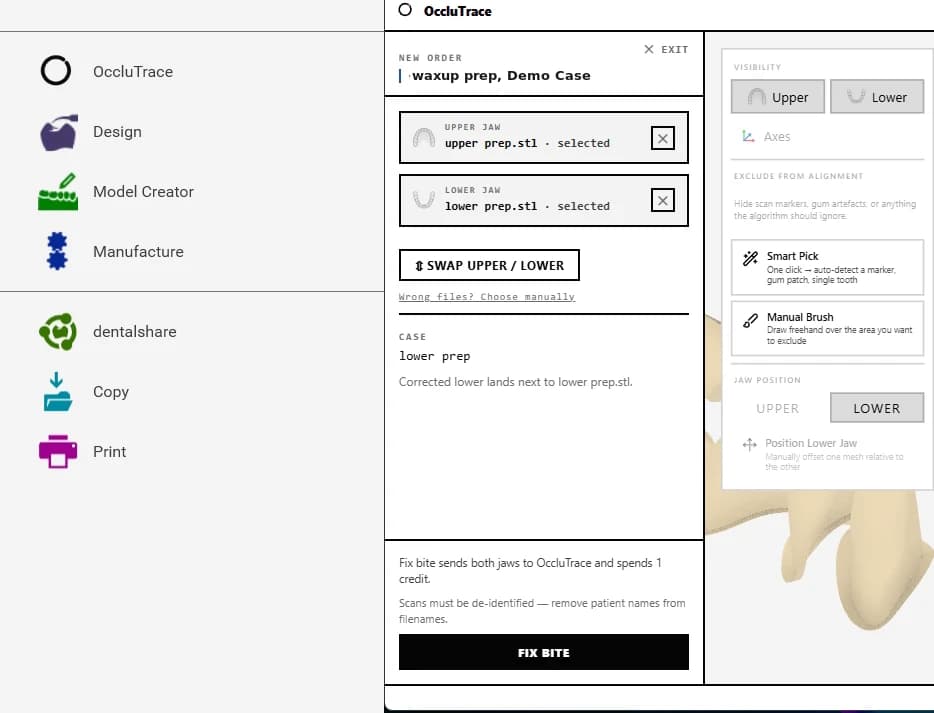
OccluTrace installa un pulsante nel menu progetto di exocad, accanto a Design e Model Creator. Prende le arcate superiore e inferiore dal progetto aperto: la correzione del morso parte con un clic, senza export e re-import di file.
Le arcate del caso exocad aperto vengono rilevate automaticamente. Non servono export né finestre di dialogo.
Entrambe le scansioni vengono caricate, l'IA calcola il morso corretto e il risultato torna direttamente alla postazione.
L'arcata corretta viene salvata accanto al file originale, e il progetto prosegue con l'occlusione corretta.
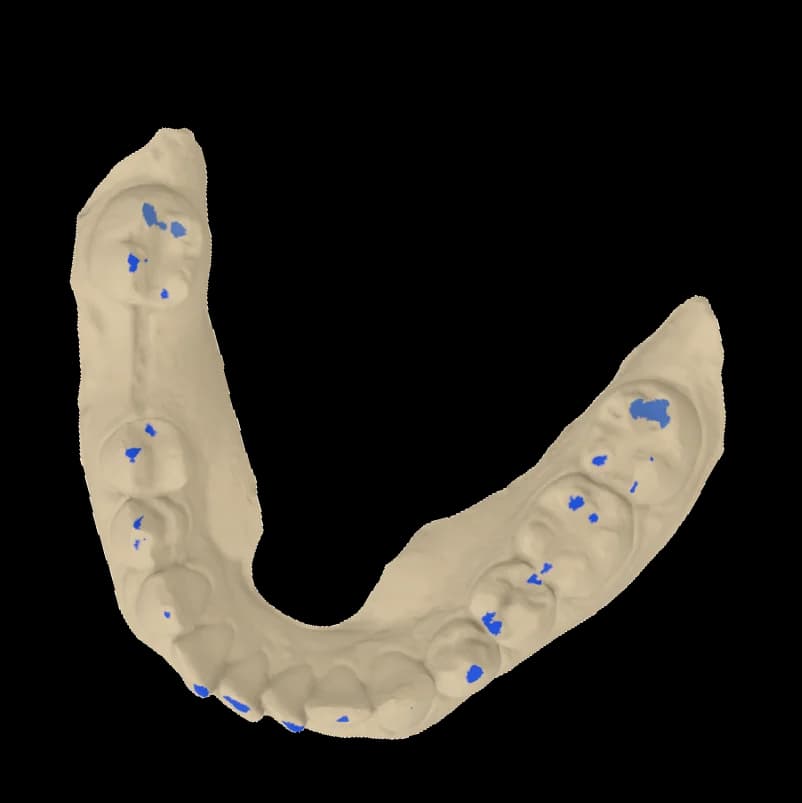 Accanto alla scansione
OccluTrace installa un pulsante nel menu progetto di exocad, accanto a Design e Model Creator. Prende le arcate superiore e inferiore dal progetto aperto: la correzione del morso parte con un clic, senza export e re-import di file.
Le arcate del caso exocad aperto vengono rilevate automaticamente. Non servono export né finestre di dialogo.
Entrambe le scansioni vengono caricate, l'IA calcola il morso corretto e il risultato torna direttamente alla postazione.
L'arcata corretta viene salvata accanto al file originale, e il progetto prosegue con l'occlusione corretta.
OccluTrace non sostituisce il CAD. Fa un solo lavoro tra scansione e progettazione: mette le arcate superiore e inferiore nel morso corretto.
Scansioni superiore e inferiore, aperte dal disco o prese dal progetto exocad aperto.
L'IA allinea le arcate e verifica contatti, penetrazione e confidenza prima di restituire un risultato.
Un file di arcata corretto salvato accanto all'originale. Le scansioni di origine non vengono mai modificate.
Usa il modo che corrisponde a dove si trova il caso. Entrambi usano lo stesso account OccluTrace, gli stessi crediti e la stessa pipeline.
| Web appIdeale quando le scansioni sono pronte da caricare o il caso va rivisto da un'altra macchina. | Windows ConnectorIdeale quando i file sono sulla postazione del laboratorio, accanto agli strumenti CAD che useranno il risultato. | |
|---|---|---|
| Correzioni del morso con lo stesso account e gli stessi crediti | ||
| Carica scansioni da qualsiasi browser | ||
| Rivedi ordini e risultati in 3D | ||
| Scarica i file corretti | ||
| Apri scansioni locali dal disco | ||
| Prendi le arcate dal progetto exocad aperto |
Windows 10/11, 64 bit, installer firmato con aggiornamenti automatici.
L'app si associa tramite il browser. Nessuna password viene digitata nell'app nativa.
Le scansioni originali vengono conservate; i risultati vengono salvati separatamente.
L'integrazione con exocad è opzionale. Il Connector funziona in autonomia su qualsiasi coppia di scansioni superiore e inferiore.