Model Studio
Shape the base, add removable dies and place attachments in 3D. Save the model or export an STL.
Explore the editorLoading
Preparing the page.

Automatic alignment for upper and lower scans. Review the contacts in 3D.
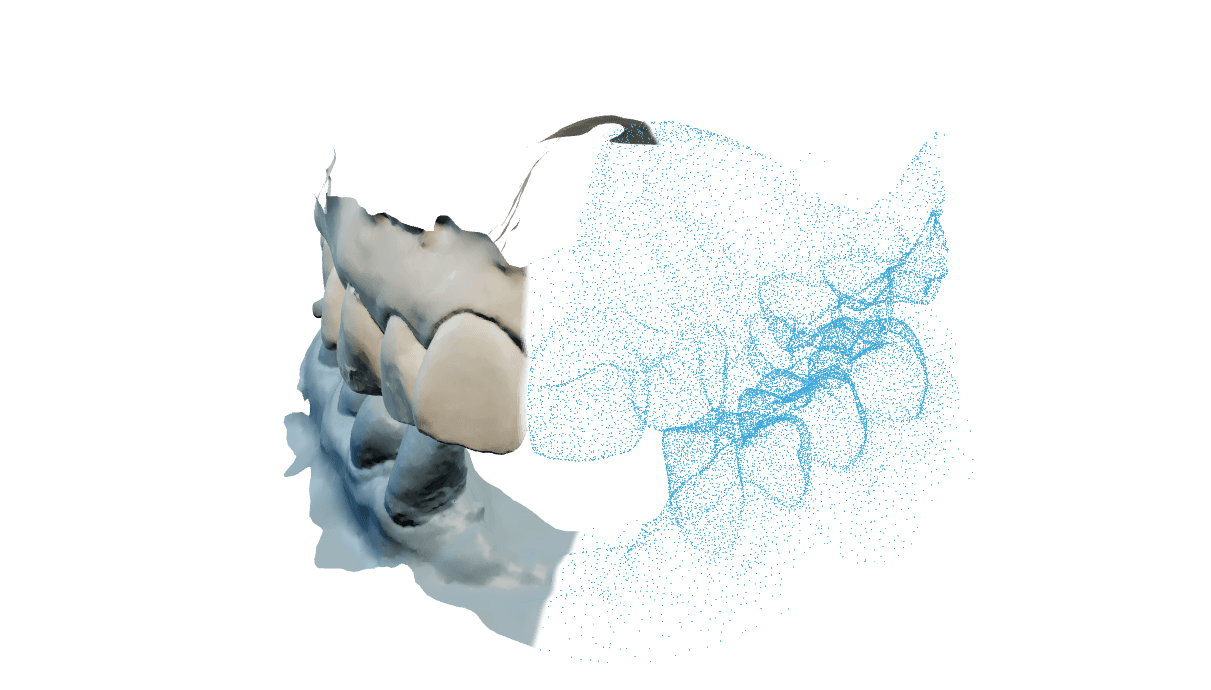
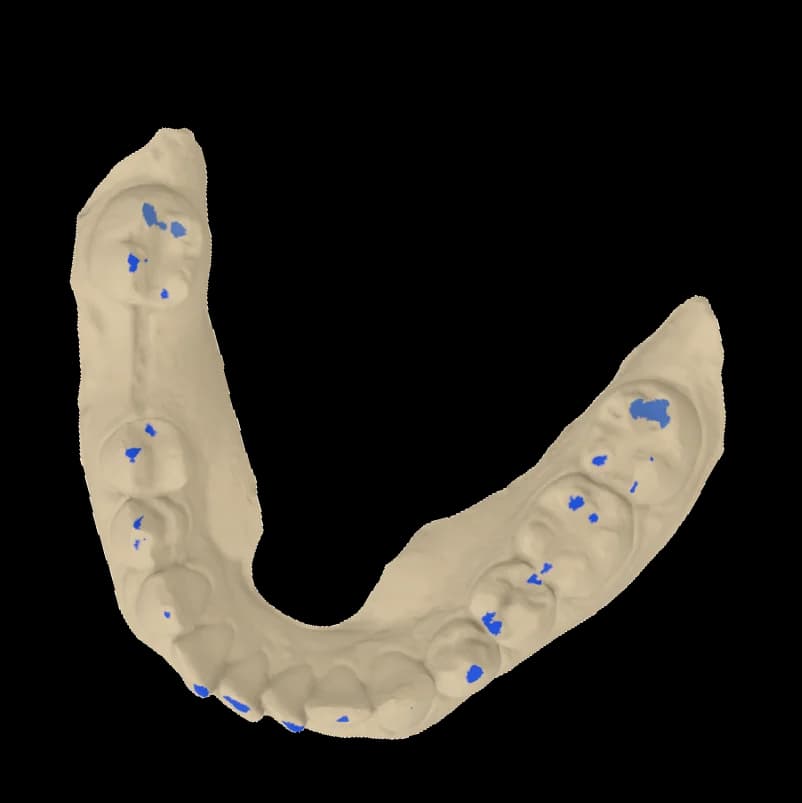
See where the arches meet. Rotate the aligned scans and inspect individual contacts without changing the original surfaces.
Explore occlusal alignmentGet the ConnectorFind supports automatically. Edit the margin, shape the bar and set the cement gap in one place.
Explore Split bar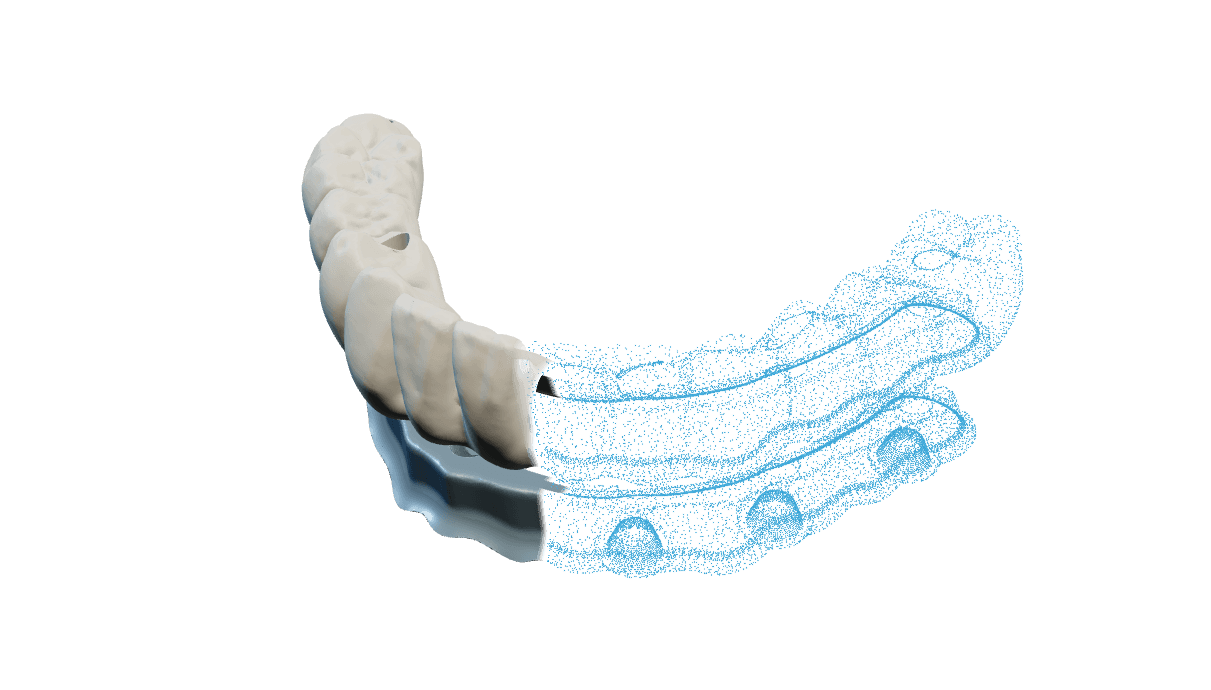
Edit in the browser. Generate automatically.


Occlusal alignment and print models are available. SplitBar is in beta with operator support. Crown & Bridge, diagnostic wax-up and segmentation are in development.
No. Each module is independent. Choose occlusal alignment, SplitBar or print models for the task you want to complete.
The CAD workspace runs in your browser. The optional Windows Connector sends scans from an existing CAD project for occlusal alignment.
Yes. Split bar includes tools to correct supports, edit the margin and refine the separator. In occlusion, review the aligned arches and contact map before using the result.
Use Contact us to ask about access and current subscription options. Tell us which modules you want to use.