
Fix the bite before you design.
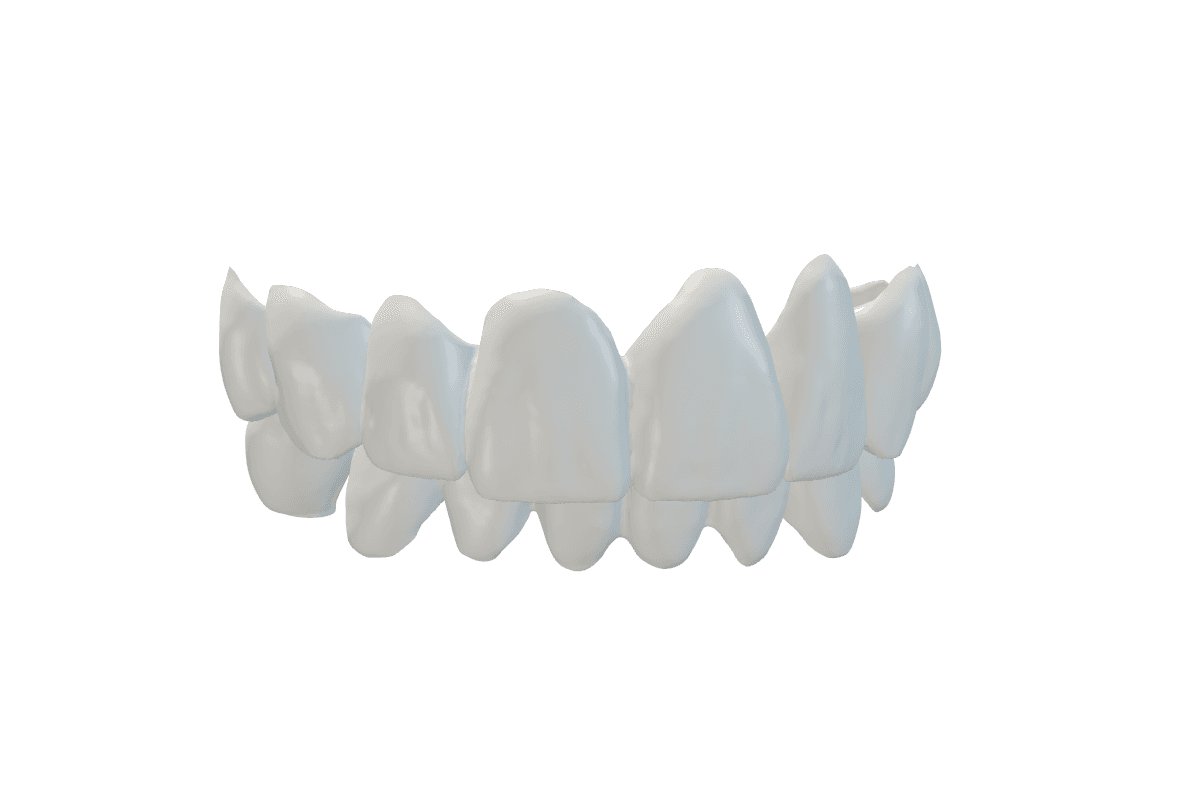
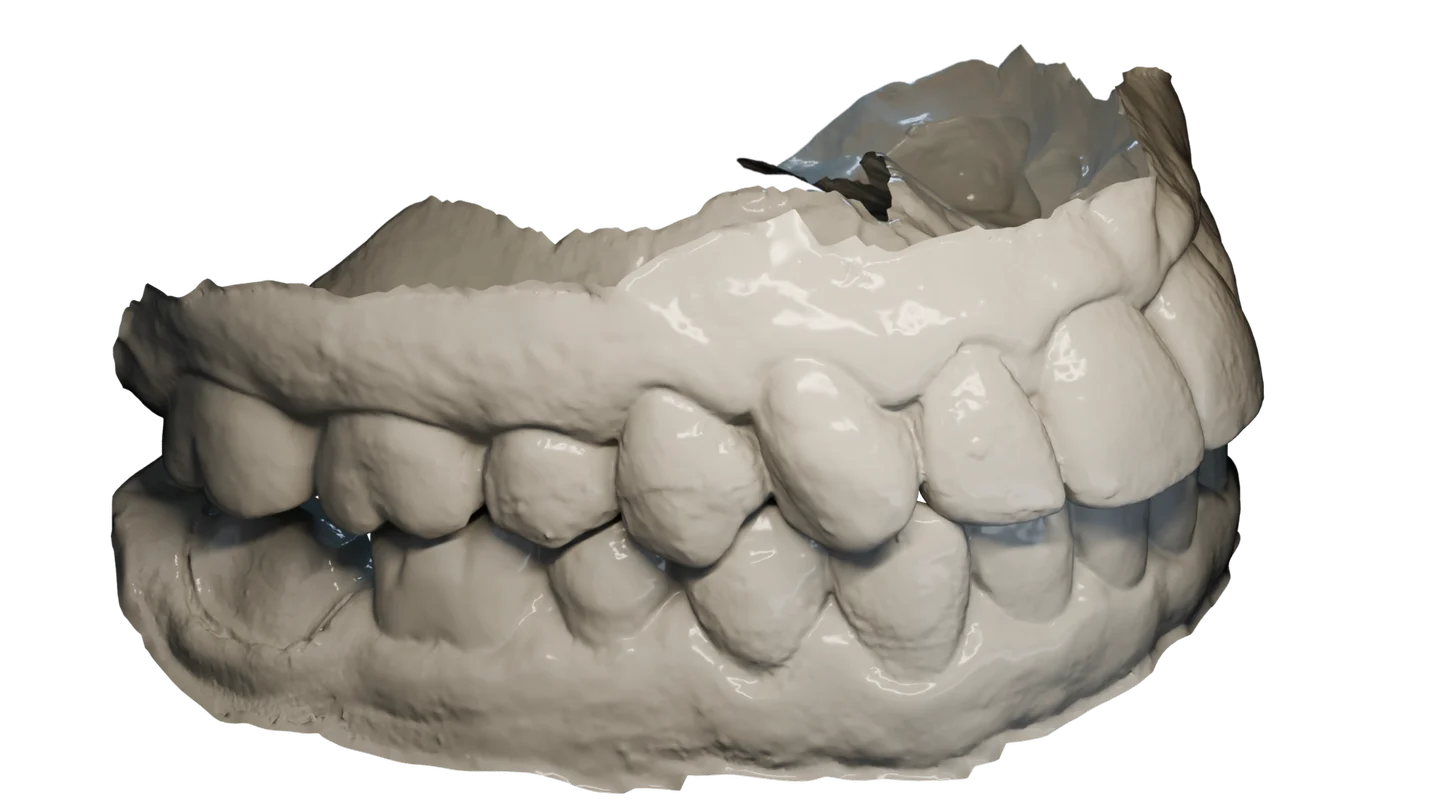
Upload the upper and lower scans. AI predicts the bite and moves the lower scan into it.
Available
You get both scans back in the corrected bite, with the contacts marked on each arch. The scanned teeth are not changed.
Free and unlimited during early access
See planned pricingFix it in your browser or from File Explorer.
- Upload the two scans to a new case in the browser.
- Or right-click them in File Explorer and choose Open with OccluTrace.
- The corrected scan comes back as a new file for your CAD.
Check the alignment before you design on it or use it clinically. Automatic alignment is not a diagnosis.
 OccluTrace
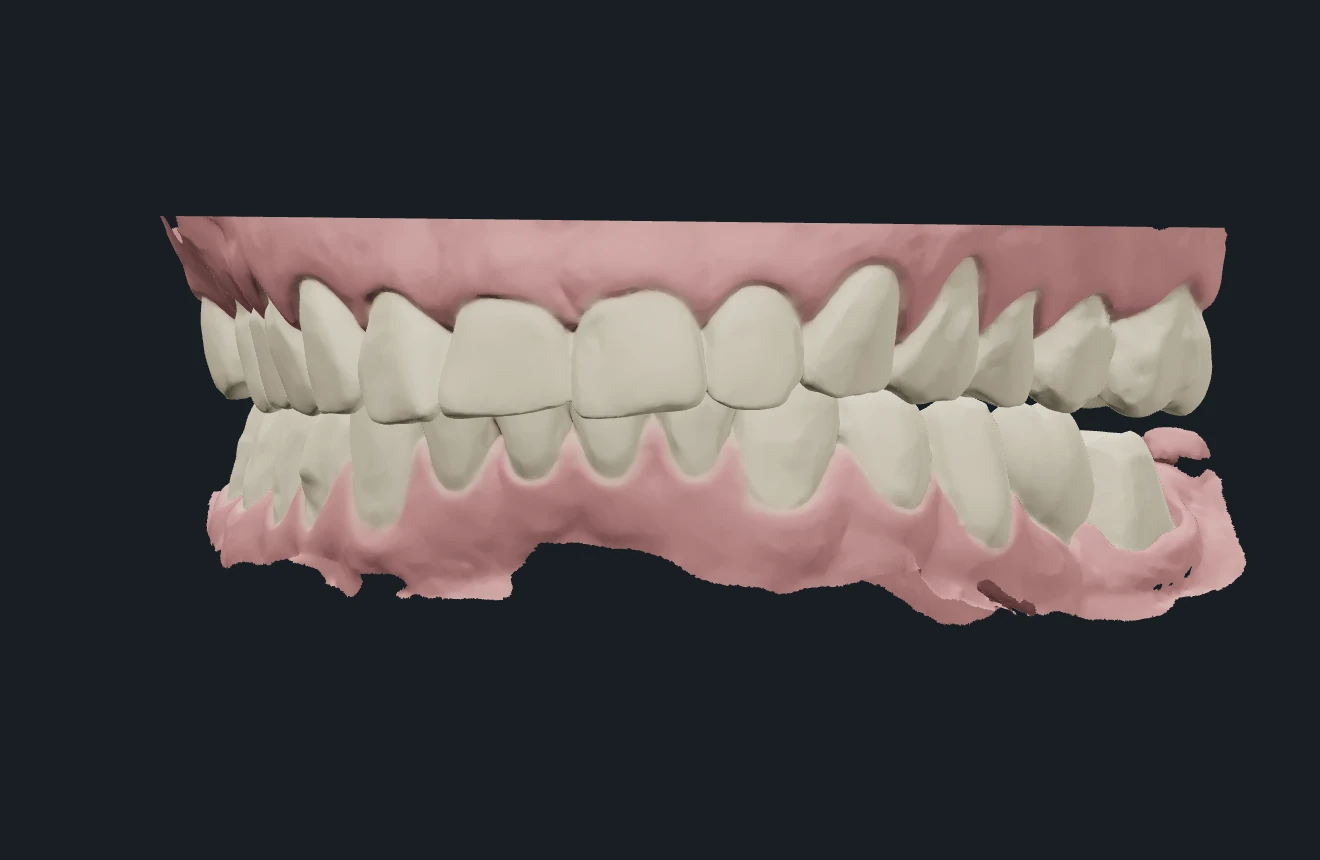
Demonstration: two scans are dragged from a File Explorer folder into the OccluTrace app. The app shows them with the wrong bite and sends them to the cloud. The lower scan then moves into the corrected bite, and the corrected lower scan is saved as a new file in the same folder.