Skip to content

Automated bite alignment

The last analog step
in the digital lab.

Your scanner is digital. Your CAD is digital. The bite alignment shouldn't break the chain.

STL in → aligned mesh out. Works with 3Shape, Medit, iTero, Carestream. Exports to exocad, 3Shape Design Studio, Meshmixer, Blender.

One-minute walkthrough

From scans to bite, on a real case.

Two STL files in. Aligned mesh out. No bench articulation, no bite registration, no rescan.

Solutions

Two ways into your CAD.

01For solo technicians

Per-case alignment.

Pay only for the cases you align. Drop in two STL files, get the aligned mesh back, drop it into exocad or 3Shape Design Studio. No subscription floor, no annual lock.

Start a 10-case trial
02For production labs

Volume pricing, SSO, throughput.

50+ cases per week. Per-seat or per-case pricing, single sign-on, batch processing API, dedicated review. We sit in your CAD pipeline, not next to it.

Schedule a demo

How it works

The bite is a result, not an input.

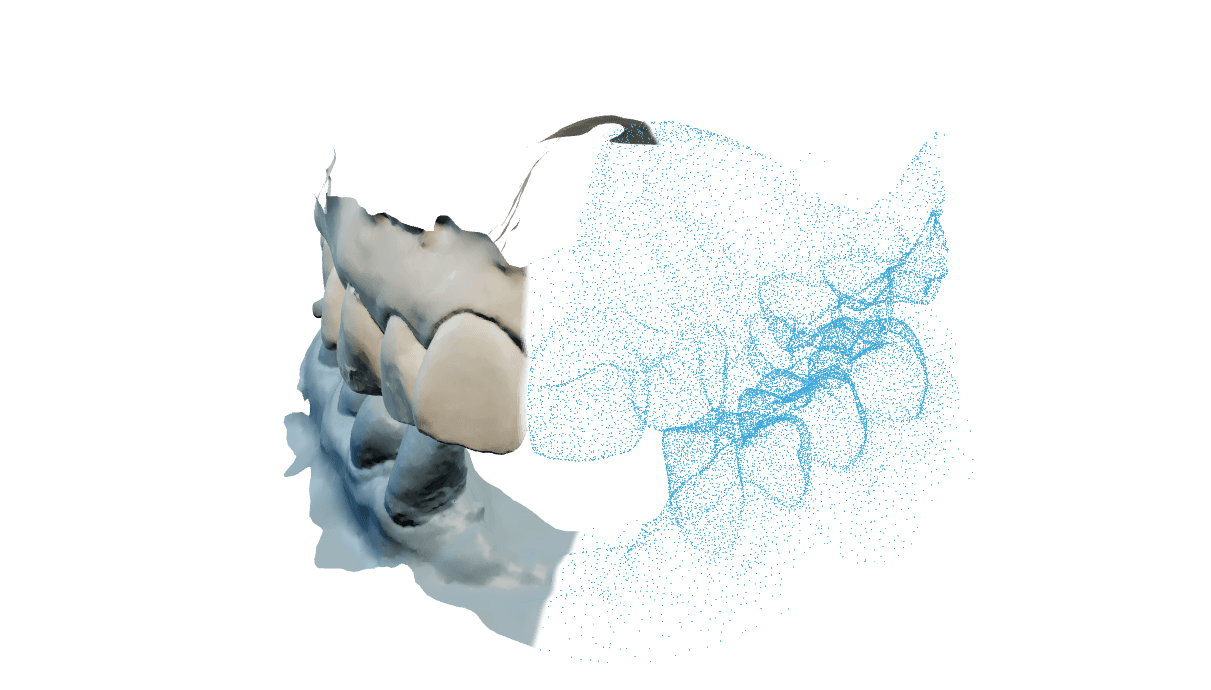
Traditional workflows capture the bite as a third artefact — a wax rim, a PVS index, a buccal scan. OccluTrace removes that step. The occlusal relationship is computed from the two arch scans alone.

  1. 01

    Upload two arches

    Drag in upper.stl and lower.stl from any modern scanner. Doctor-aligned or arbitrary pose — both work.

  2. 02

    Canonicalise

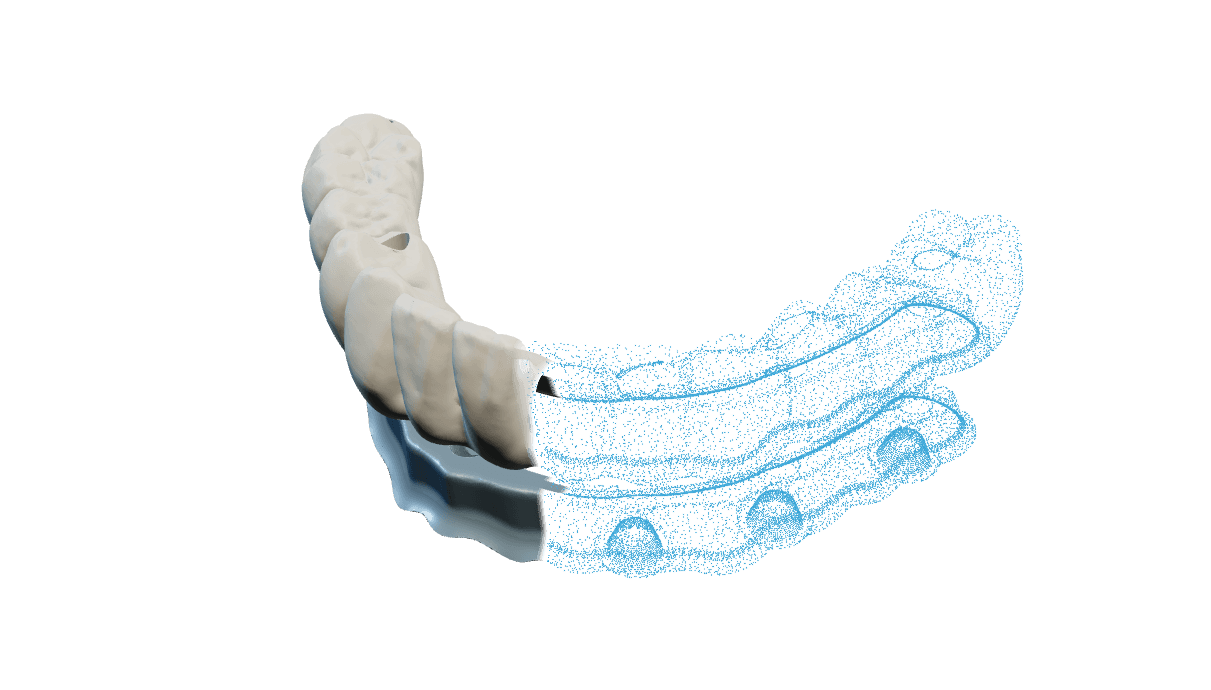
    Each arch is brought into a consistent geometric frame so downstream alignment doesn't depend on how the scanner held them.

  3. 03

    Align

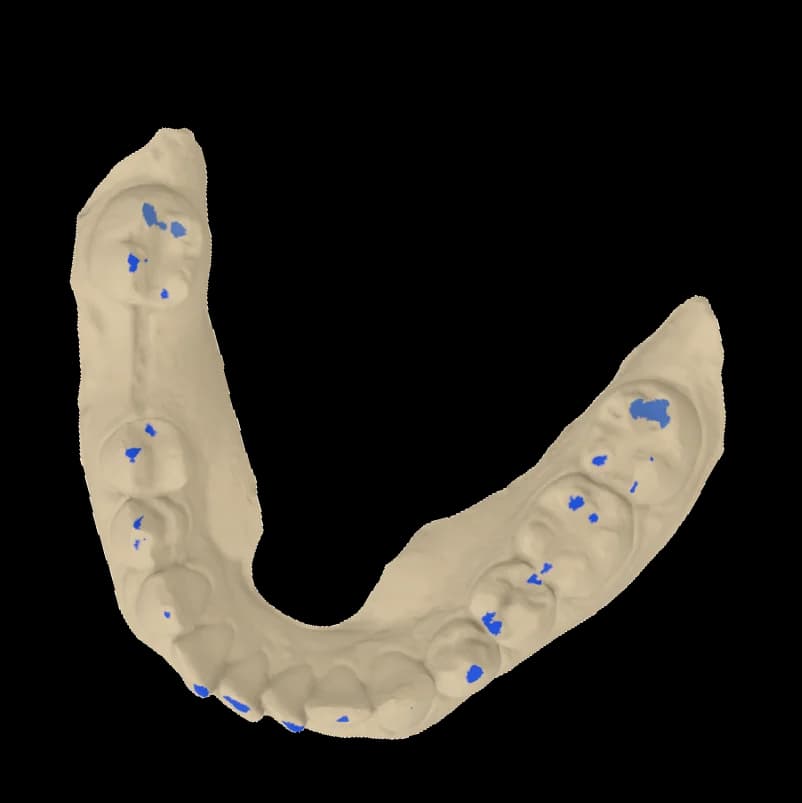
    The system searches for the occlusal relationship that satisfies tooth-to-tooth contact without interpenetration, then polishes the result.

  4. 04

    Hand off to CAD

    Aligned meshes export to exocad, 3Shape Design Studio, Meshmixer, or Blender. No bench rescan, no manual articulator.

Integrations

Works with what you already use.

Intake (scanners)

Any modern intraoral or desktop scanner exporting standard STL works. We don't lock to a single vendor.

  • 3Shape
  • Medit
  • iTero
  • Carestream
  • Planmeca
  • Shining 3D

Export (CAD)

Aligned upper + lower mesh exported in the format your designer expects. Drop straight into the case.

  • exocad
  • 3Shape Design Studio
  • Meshmixer
  • Blender

Developer integration

Batch processing API for labs running their own pipeline.

API access

Pricing

Pay only when alignment runs.

Three ways to start. No subscription floor.

01

Trial

Free · 10 cases

For solo techs evaluating the workflow before any commitment.

  • 10 aligned cases included
  • All scanner / CAD integrations
  • No card required
Start free trial
02

Case

Per case · Contact for pricing

Per-case pricing for small labs. Pay only for cases you successfully align.

  • Per-case billing, no subscription
  • Refund on confirmed failure
  • All scanner / CAD integrations
  • Priority email support
Get pricing
03

Volume

Custom · 50+ cases / week

Production labs running OccluTrace in the CAD pipeline.

  • Volume pricing
  • Single sign-on
  • Batch processing API
  • Dedicated review
Talk to sales

FAQ

Common questions.

Workflow

How long does an alignment run take?

About 13 seconds per case on our production GPUs. You upload, you wait, you download the aligned mesh.

Workflow

What if the result is wrong?

You re-run with annotated regions, or you flag it as a confirmed failure and the case credit is refunded. No support ticket loop.

Compatibility

Which scanners do you support?

Any modern intraoral or desktop scanner that exports STL. We have explicit format checks for 3Shape, Medit, iTero, Carestream, Planmeca, and Shining 3D.

Compatibility

Which CAD packages can I hand off to?

exocad, 3Shape Design Studio, Meshmixer, and Blender all import the aligned upper/lower mesh directly.

Compatibility

Do you support partial arches, single quadrants, or single-tooth scans?

Not yet. OccluTrace handles full-arch upper and lower pairs. The current pipeline is tuned for complete arches only; partials, quadrants, and single-tooth scans are coming later. If you're unsure whether your case fits, send it and we'll tell you.

Data

What happens to my scans?

Uploaded files are automatically deleted after 90 days. You can delete a case manually at any time from the dashboard.

Regulatory

Is OccluTrace a medical device?

No. OccluTrace is a CAD pre-processing tool that aligns digital scans for the lab technician's workflow. It does not issue a diagnosis or treatment plan.

Book a call

Send us a case. See it run on your data.

Upload a pair of arches and receive the aligned output before committing to anything. 30 minutes, screen share, real cases.

  • Live alignment on a case you bring
  • Pricing for your volume — no quote chase
  • CAD pipeline walkthrough end-to-end
Open the calendar