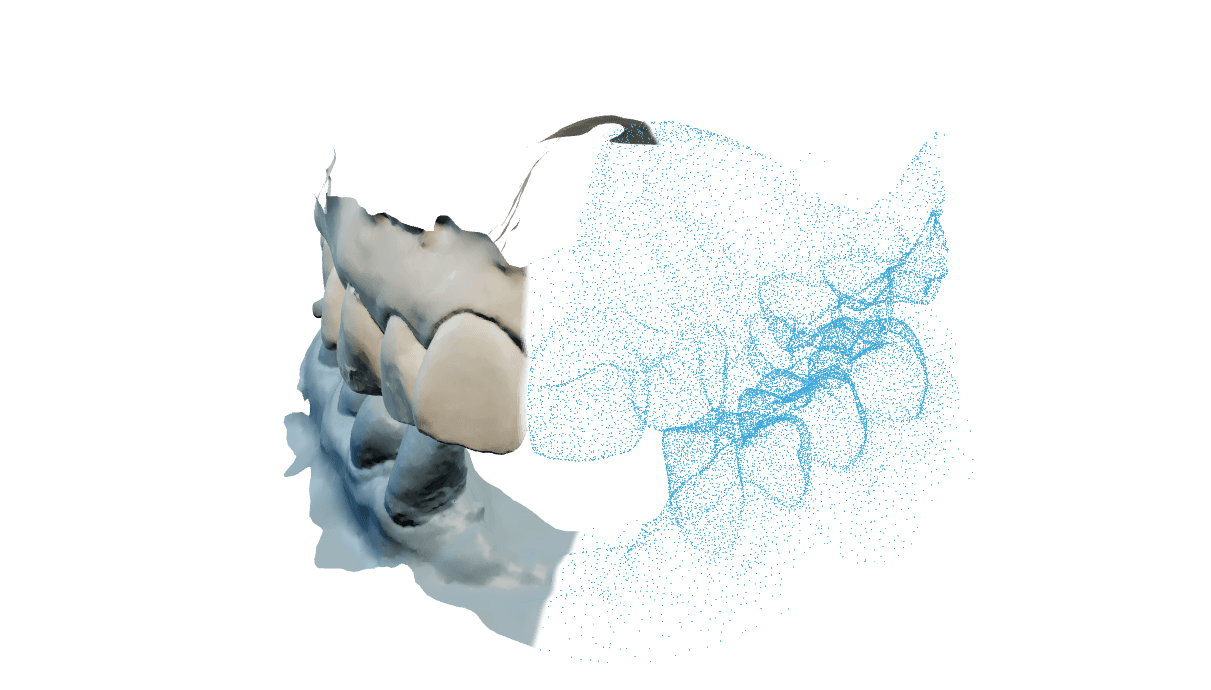
Input
Upper and lower scan files, opened from disk or picked up from the open exocad project.
Loading
Preparing the page.
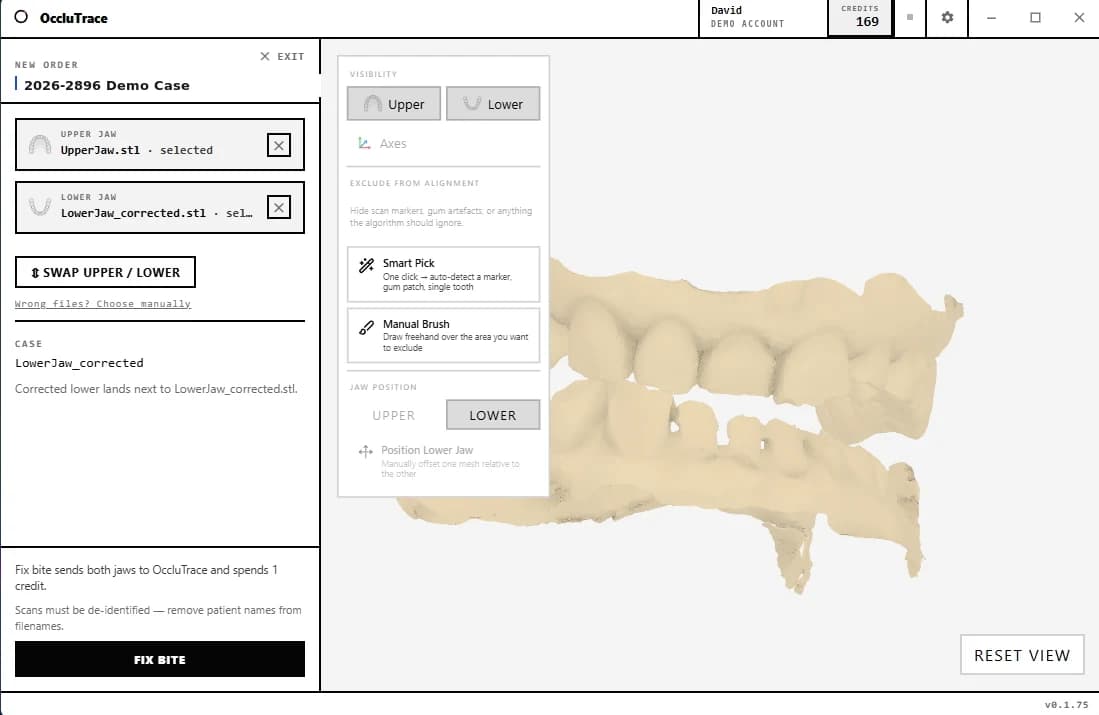
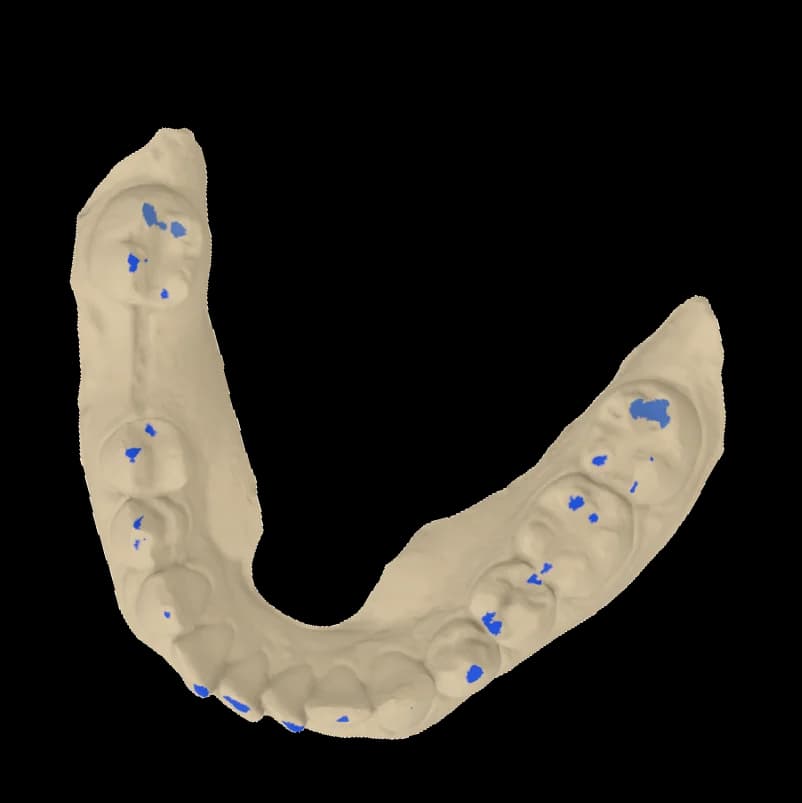
The Connector is a native Windows app: pick the upper and lower scans, press Fix Bite, and the corrected occlusion is back in about 30 seconds. Exclude scan markers with the brush and check the result in the built-in 3D viewer.
OccluTrace installs a button into the exocad project menu, next to Design and Model Creator. It reads the upper and lower jaws from the open project, so a bite fix starts with one click instead of exporting and re-importing files.
The jaws of the open exocad case are picked up automatically. You do not need to export files or use file dialogs.
Both scans upload, the AI computes the correct bite, and the result comes straight back to the workstation.
The corrected jaw is written beside the original file, so the project continues with the fixed occlusion.
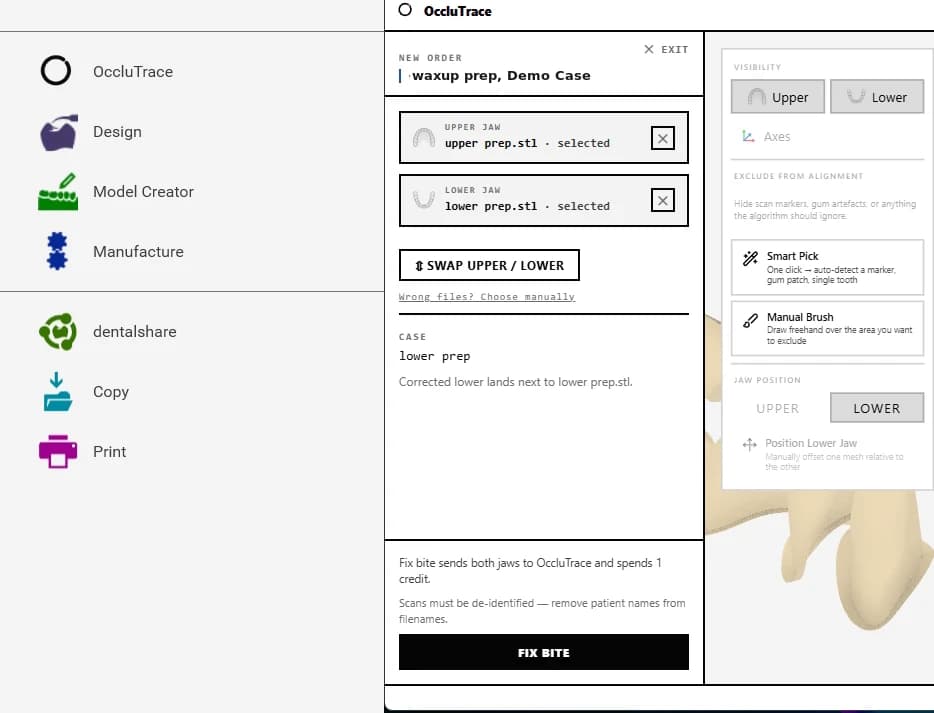
 Lands next to the scan
OccluTrace installs a button into the exocad project menu, next to Design and Model Creator. It reads the upper and lower jaws from the open project, so a bite fix starts with one click instead of exporting and re-importing files.
The jaws of the open exocad case are picked up automatically. You do not need to export files or use file dialogs.
Both scans upload, the AI computes the correct bite, and the result comes straight back to the workstation.
The corrected jaw is written beside the original file, so the project continues with the fixed occlusion.
OccluTrace is not a CAD replacement. It does one job between scanning and design: it puts the upper and lower jaw into the correct bite.
Upper and lower scan files, opened from disk or picked up from the open exocad project.
The AI aligns the jaws and checks contacts, penetration and confidence before returning a result.
A corrected jaw file written next to the original. Source scans are never modified.
Use the one that matches where the case sits. Both run on the same OccluTrace account, credits and processing pipeline.
| Web appBest when the scans are ready to upload, or the case needs review from another machine. | Windows ConnectorBest when the files live on the lab workstation, next to the CAD tools that will use the result. | |
|---|---|---|
| Bite fixes on the same account and credits | ||
| Upload scans from any browser | ||
| Review orders and results in 3D | ||
| Download corrected files | ||
| Open local scans from disk | ||
| Pick up jaws from the open exocad project |
Windows 10/11, 64-bit, signed installer with auto-updates.
The app pairs through the browser. No password is typed into the native app.
Original scans are preserved; result files are written separately.
The exocad integration is optional. The Connector works standalone on any upper and lower scans.