

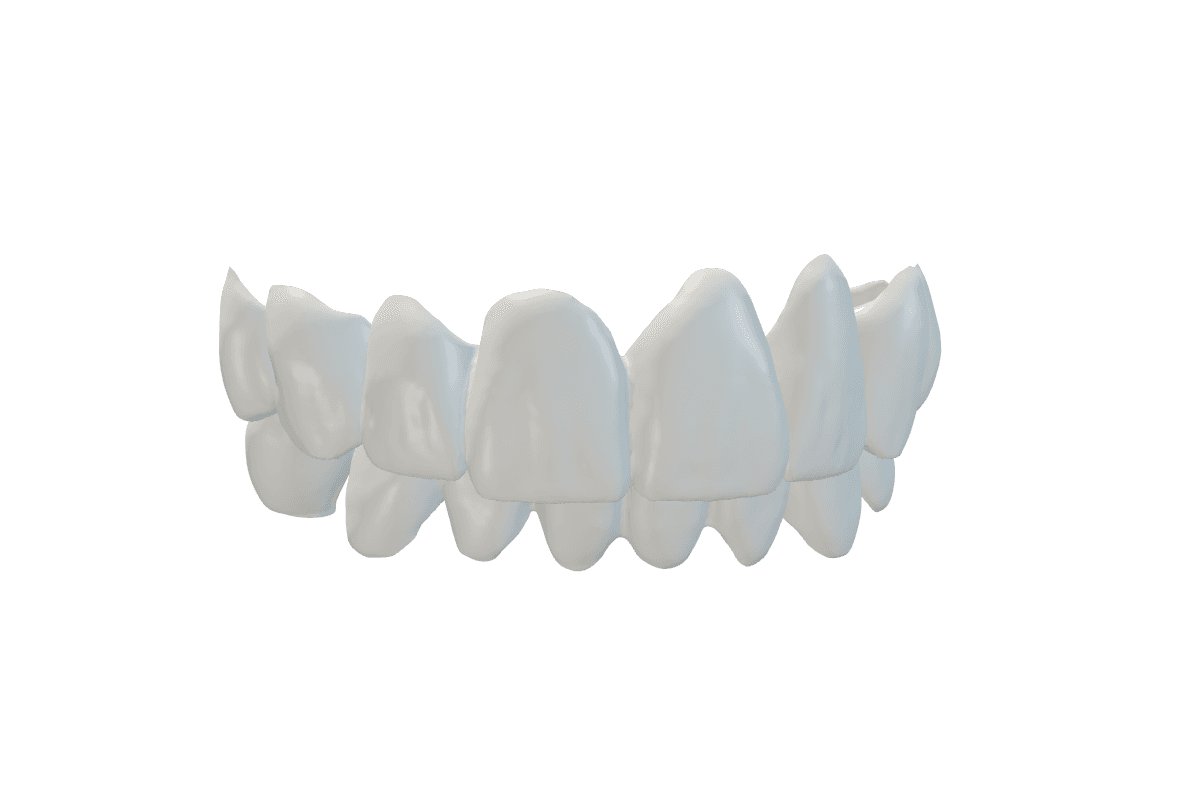
Paint out what is not a tooth
The most common reason a bite fails. Mark it red and run again.
- Open the case and press Edit preparation.
- Under Exclude areas, choose Manual Brush.
- Paint red over scan markers and everything that is not a tooth.
- Press Run again.
More
- Paint: scan markers and scan bodies, loose scan pieces, gum, cheek or tongue flaps over the teeth, double surfaces, prepared teeth.
- Painting only takes these areas out of the bite search. The scan is not changed.
- Running again costs nothing.