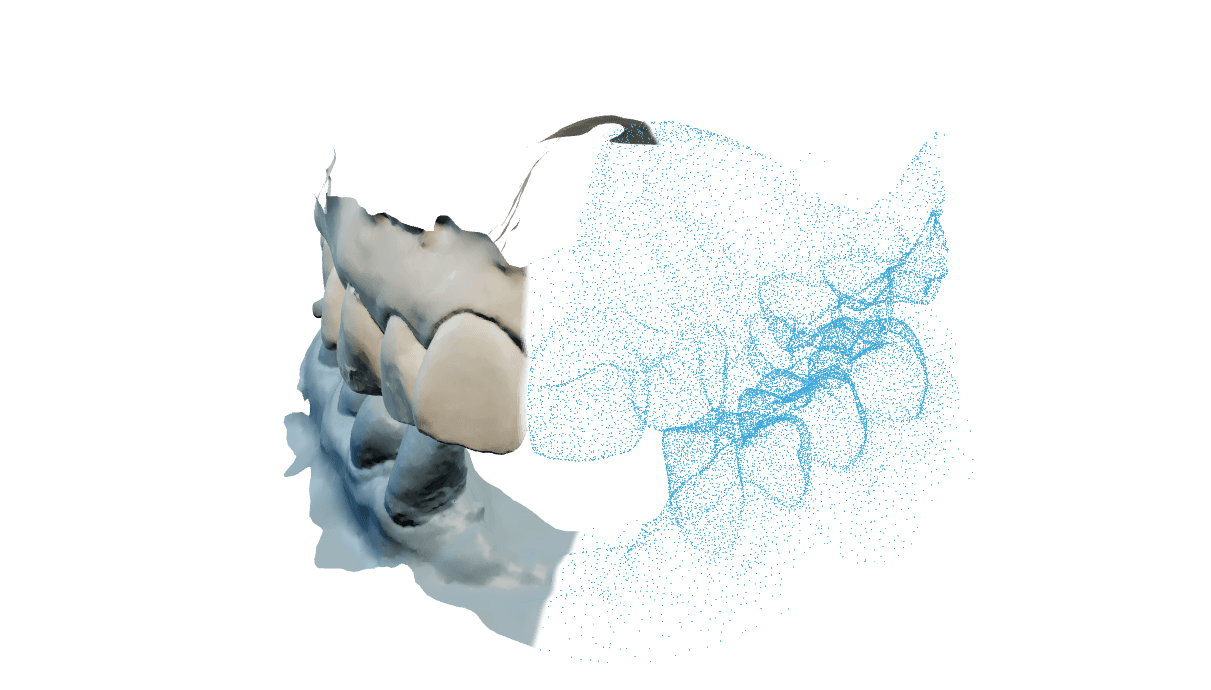
Model Studio
Shape the base, add removable dies and place attachments in 3D. Save the model or export an STL.
Explore the editorLoading
Preparing the page.

Design print models in the browser or generate them automatically on the server.
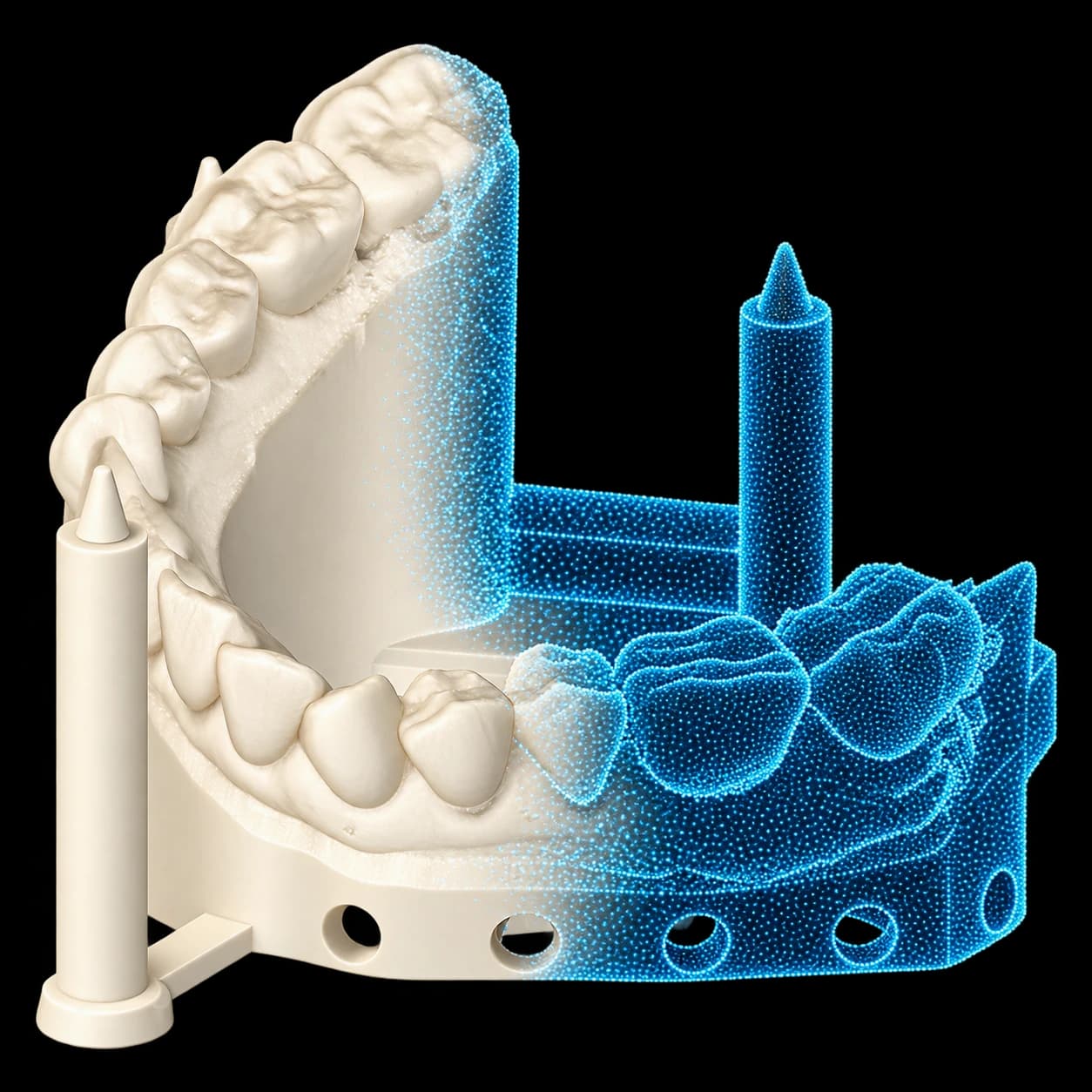
Print models is an independent tool. Start from your scans and choose hands-on design or automatic processing.
Open appUpload the scans for your model. Occlusal alignment and SplitBar are not required.
Edit the model in the browser, or send scans and settings for automatic server processing.
Inspect the result and export the model files for printing.
No. Print models accepts scans directly. You do not need an occlusal alignment or a SplitBar job.
Yes. Model Creator is an interactive editor that runs in the browser.
Automatic model generation is available in the workspace. Contact us to discuss API access for your integration.